Industrial Design in SOLIDWORKS
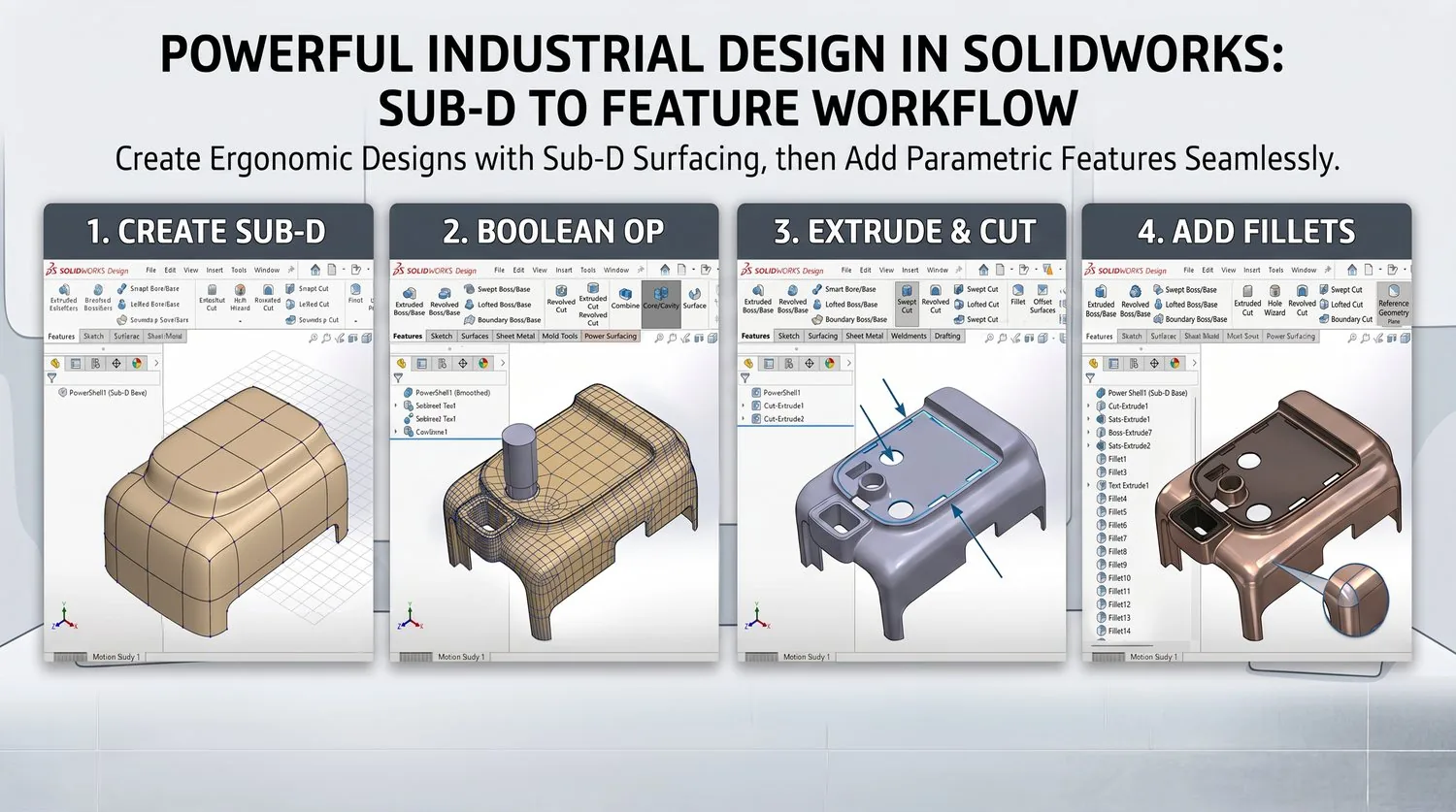
Create beautiful, ergonomic industrial designs directly inside SOLIDWORKS using Sub-D surfacing.
Overview
Create beautiful, ergonomic industrial designs directly inside SOLIDWORKS using Sub-D surfacing. Combine freeform organic shapes with SOLIDWORKS mechanical features.
Typical Workflow Steps
- 1Create Sub-D shapes in SOLIDWORKS
- 2Refine organic forms interactively
- 3Convert Sub-D into SOLIDWORKS features that contain either solid and/or surface bodies
- 4Combine with standard SOLIDWORKS features
- 5Complete design with engineering details
Products for This Workflow
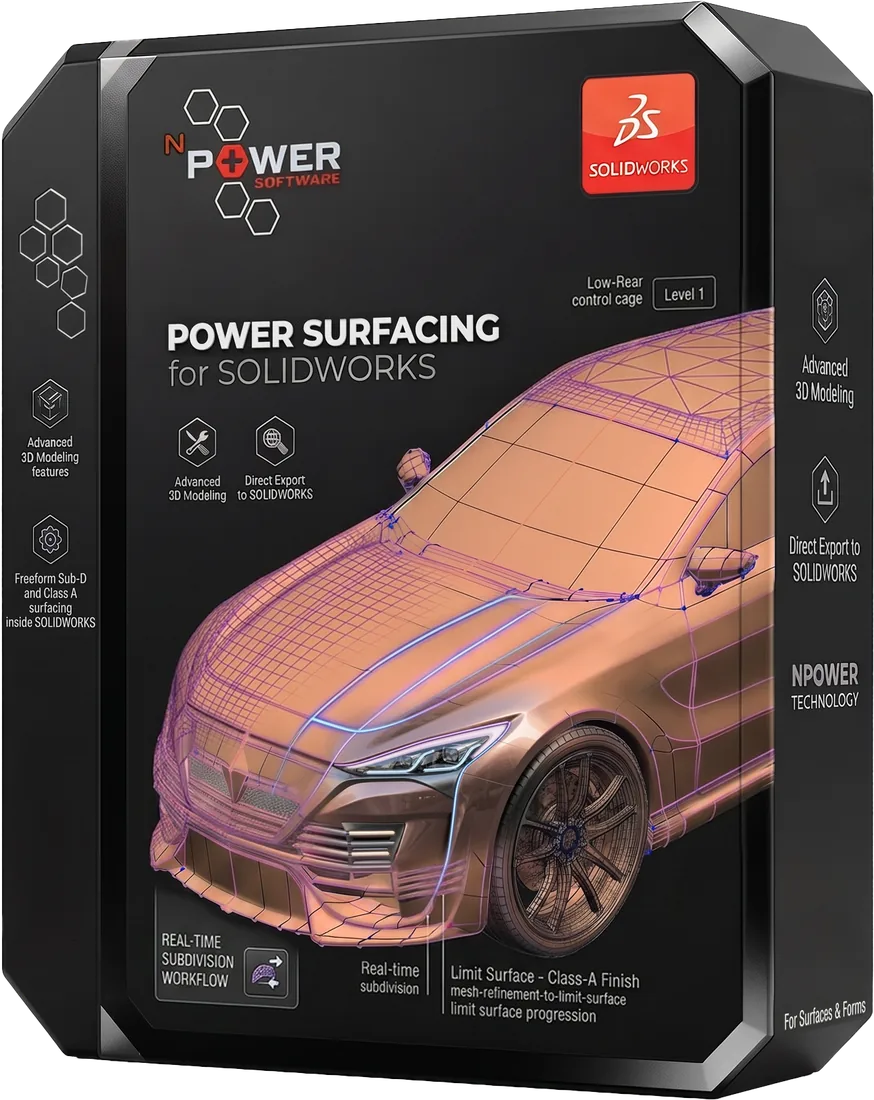
These Power Surfacing products support industrial design in solidworks workflows.
Frequently Asked Questions
How does Sub-D modeling work inside SOLIDWORKS?
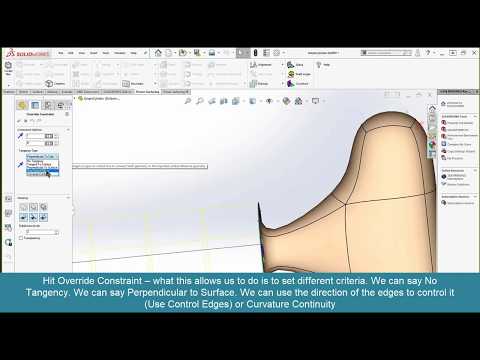
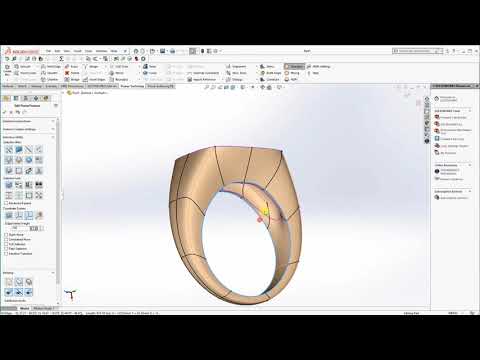
Power Surfacing creates Power Body macro-features that behave like native SOLIDWORKS features, so freeform Sub-D shapes live in the feature tree alongside standard parametric features.
Can Power Surfacing bodies be used in assemblies?
Yes. Power Surface bodies can be created and edited directly from SOLIDWORKS assemblies, as instances or references.
What mesh formats can be imported?
OBJ and FBX meshes from tools like Modo, 3ds Max, and Maya can be imported and converted into SOLIDWORKS features that contain either solid and/or surface bodies.
Try Industrial Design in SOLIDWORKS Today
Download a free trial and experience this workflow for yourself.