Convert 3D Scans Into Editable SOLIDWORKS Models
Reverse engineer 3D scanner data, STL meshes, and sculpted models directly inside SOLIDWORKS — no file hand-offs, no uneditable polygon imports.
A Direct SOLIDWORKS Add-In, Not a File Hand-Off
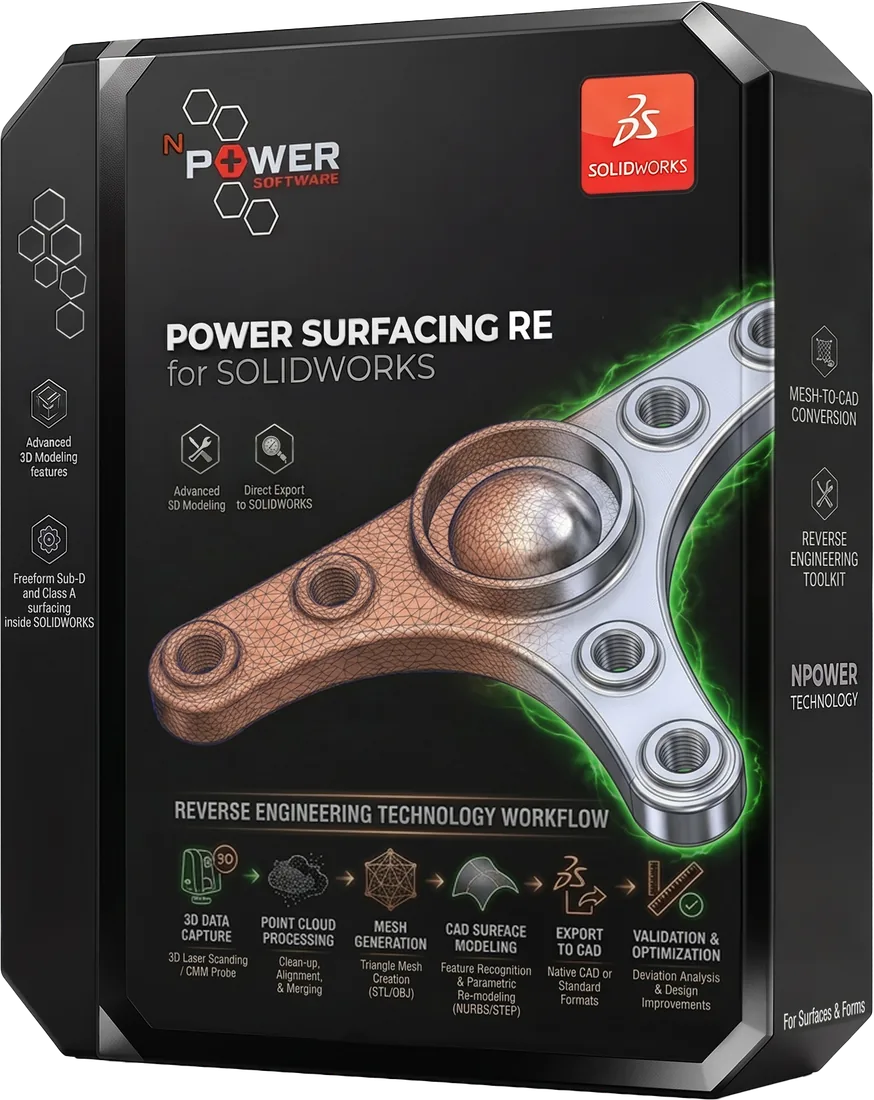
Converting a 3D scan to SOLIDWORKS usually means juggling separate tools and exchanging files. Power Surfacing RE for SOLIDWORKS works differently: it is a direct add-in, built by an official SOLIDWORKS Gold Partner, that imports scan meshes and rebuilds them as native SOLIDWORKS features — fully integrated with the feature tree.
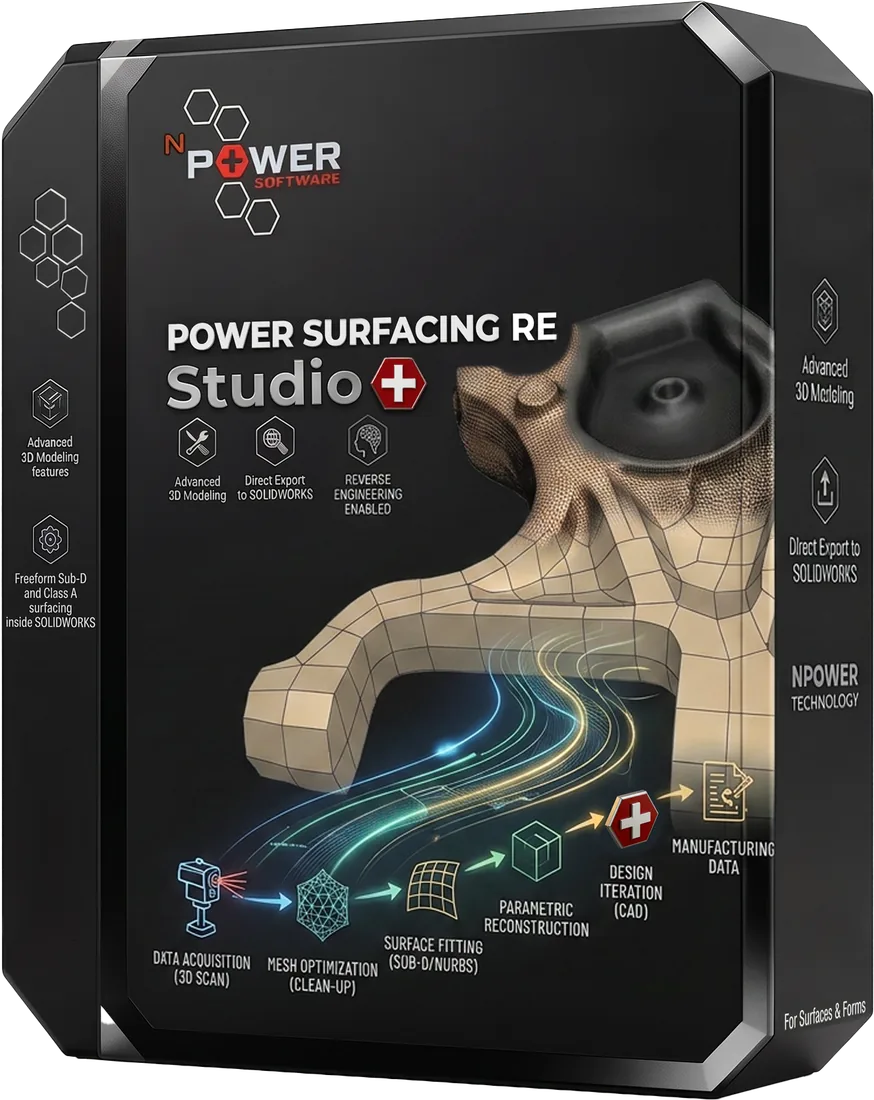
Prefer a standalone application? Power Surfacing RE Studio reconstructs the same scan data and exports STEP, STL, and OBJ, or transfers geometry as native SOLIDWORKS features.
This page covers the SOLIDWORKS-specific workflow. For the general process, see our scan-to-CAD software overview or STL to CAD reconstruction.
From Scan Mesh to Editable Model
- 1Import STL or OBJ scan data as a reference mesh in SOLIDWORKS
- 2Repair scan anomalies like tears and holes with automated tools
- 3Run automatic Quad Wrap retopology that follows curvature flow
- 4Refine the fit with Shrink Wrap, Mesh Smooth, and Mesh Offset
- 5Convert to native SOLIDWORKS features in the feature tree
Supported Scan Data and Output
Input Data
- 3D scanner meshes (STL, OBJ)
- FEA and 3D printer meshes
- ZBrush and other sculpted meshes
- SOLIDWORKS Topology Study meshes
Reconstruction Tools
- Automatic Quad Wrap retopology
- Shrink Wrap with self-intersection fixes
- Mesh Smooth and Mesh Offset
- Distance display for accuracy checks
Output
- Native SOLIDWORKS features
- Full feature tree integration
- STEP / STL / OBJ via RE Studio
- Native SOLIDWORKS feature transfer via RE Studio
Products for This Workflow
Two ways to get scan data into SOLIDWORKS — reconstruct directly with the add-in, or use RE Studio to export STEP/STL/OBJ or transfer native SOLIDWORKS features.
Frequently Asked Questions
Can a scanned mechanical part be recreated in SOLIDWORKS?
Yes. Power Surfacing RE for SOLIDWORKS imports the scan mesh as a reference, rebuilds the shape with automatic retopology and surface fitting, and converts the result into native SOLIDWORKS features.
Is this a plugin or a file-export workflow?
Power Surfacing RE for SOLIDWORKS is a direct SOLIDWORKS add-in from an official SOLIDWORKS Gold Partner — geometry is created inside the SOLIDWORKS feature tree as native features. Alternatively, the standalone Power Surfacing RE Studio exports STEP, STL, and OBJ, or transfers geometry as native SOLIDWORKS features.
What scan formats can be imported?
STL and Wavefront OBJ meshes, including 3D scanner output, FEA meshes, sculpted meshes, and 3D printer files.
Can SOLIDWORKS Topology Study results be converted?
Yes. SOLIDWORKS Topology Study meshes can be converted directly into usable solid geometry.
Bring Your Scans Into SOLIDWORKS
Download a free trial and convert your first scan mesh into an editable SOLIDWORKS model.