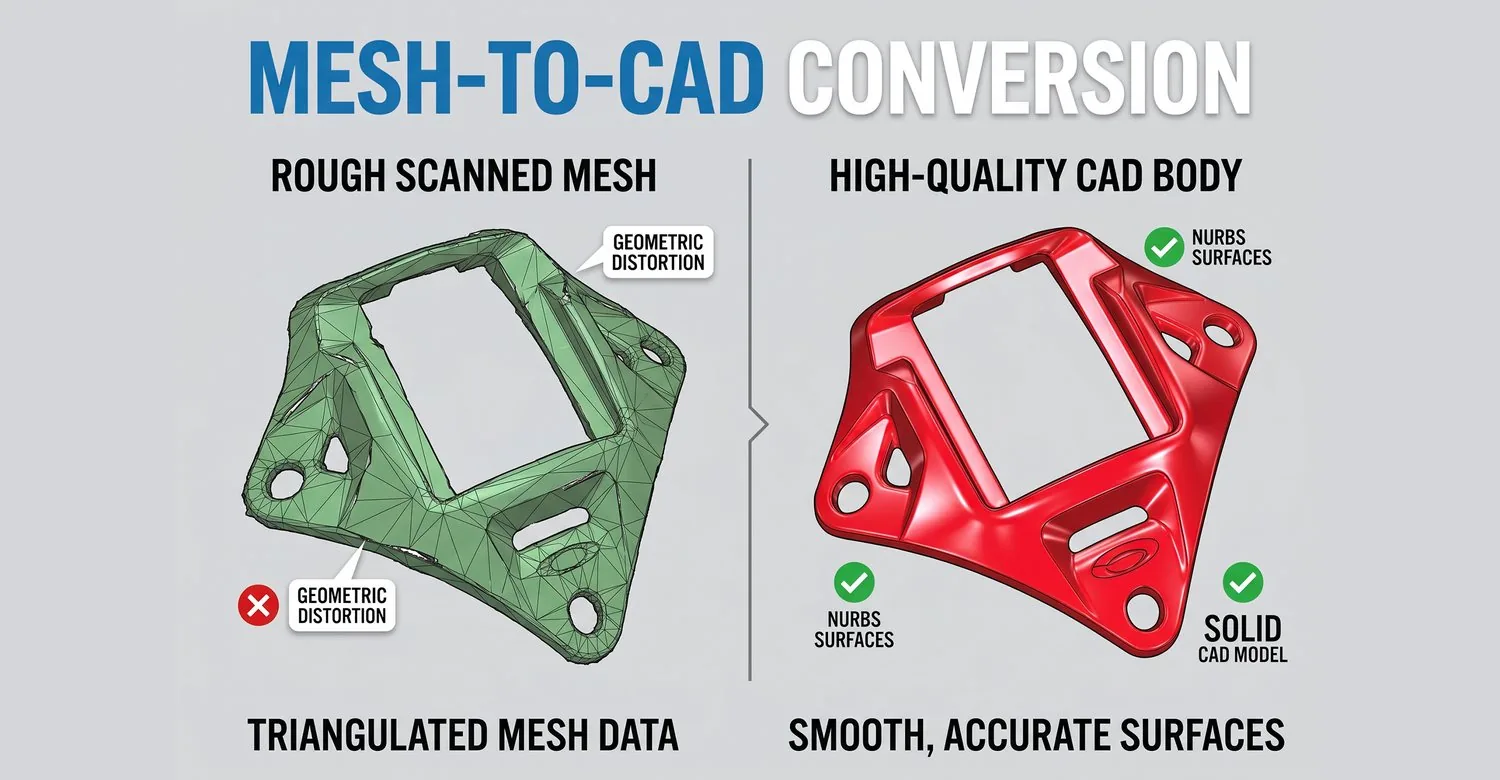
Convert Meshes Into Editable CAD Models
Convert triangulated mesh data into smooth NURBS surfaces and solid CAD models.
Overview
Convert triangulated mesh data — STL, OBJ, and other mesh formats — into smooth, editable NURBS surfaces and solid CAD models ready for manufacturing.
Typical Workflow Steps
- 1Import mesh files (STL, OBJ, PLY)
- 2Clean and repair mesh topology
- 3Decimate or refine mesh resolution
- 4Fit NURBS surface patches
- 5Export precision CAD geometry
Supported Mesh Data
Mesh-to-CAD software starts with the polygon data you already have. Power Surfacing imports STL and Wavefront OBJ meshes — 3D scans, FEA meshes, 3D printer files, sculpted models, and SOLIDWORKS Topology Study output — and prepares them with repair, smoothing, and hole-filling tools.
From Polygon Mesh to NURBS Geometry
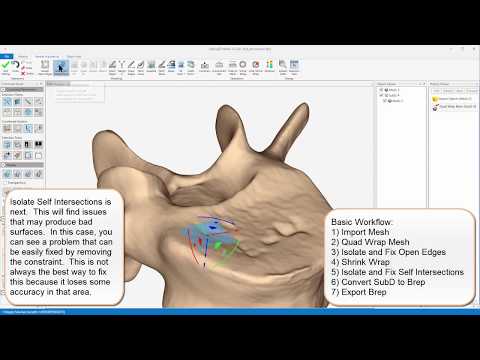
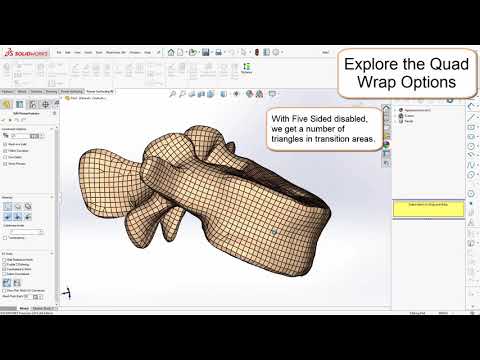
Automatic Quad Wrap retopology rebuilds the mesh as a clean quad structure that follows curvature flow, and the resulting Sub-D model converts to Brep NURBS surfaces with G2 edge continuity — a patented IntegrityWare process. The Shrink Wrap tool captures fine detail without bloating the model.
Editable Solid and Surface Output
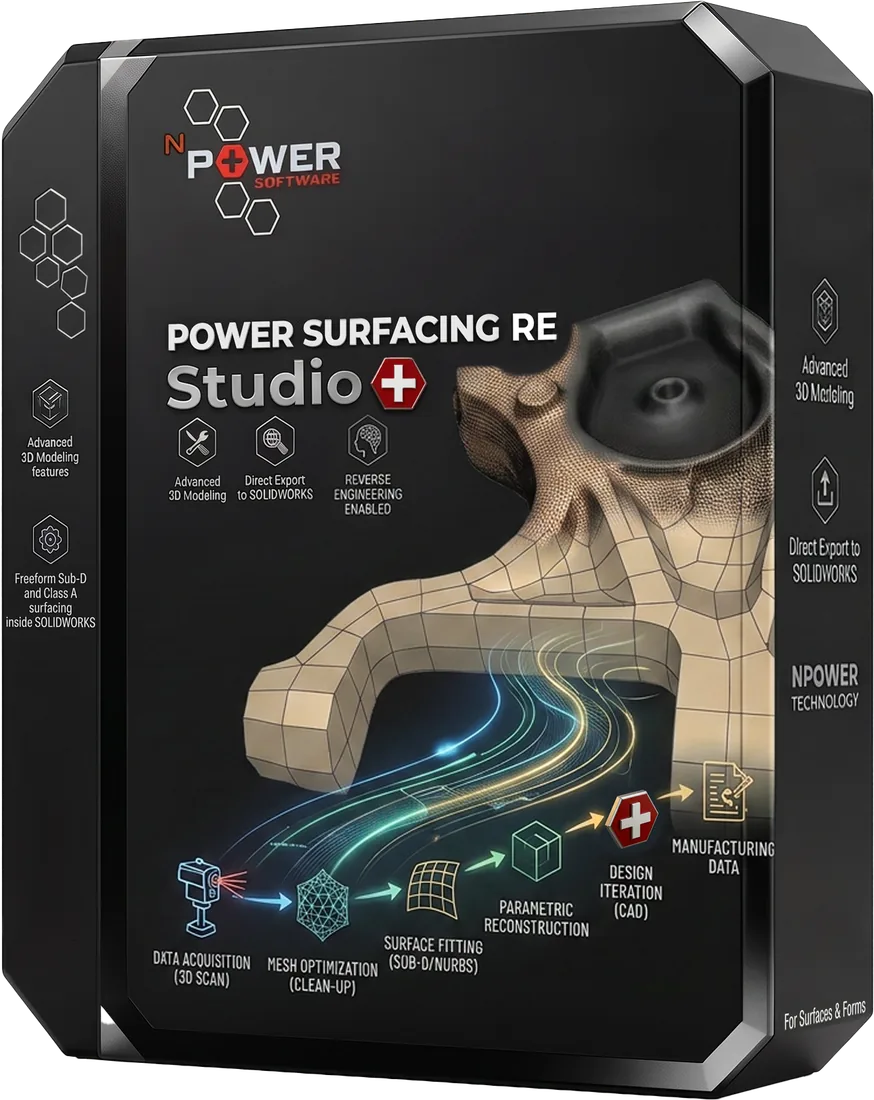
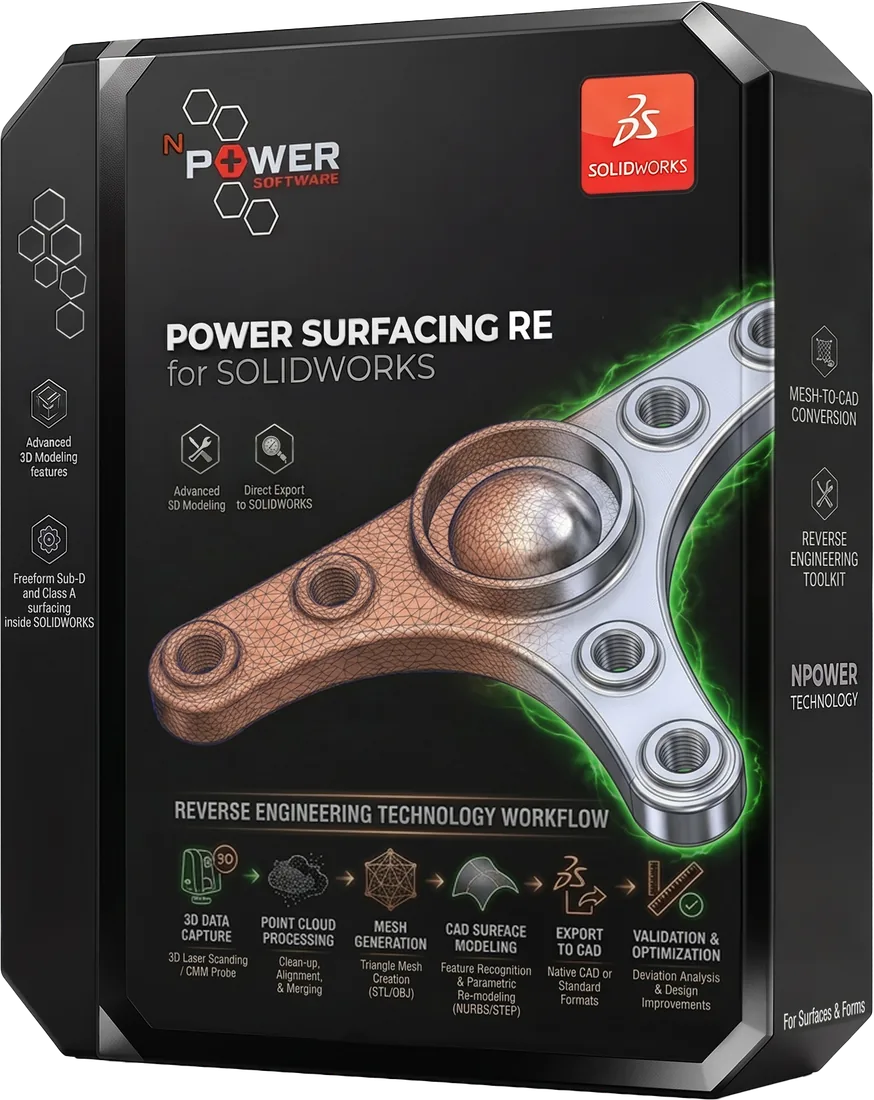
The result is a real CAD model, not a wrapped mesh: solids and surfaces you can shell, fillet, dimension, and modify. From RE Studio, export to STEP, STL, and OBJ, or transfer as native SOLIDWORKS features. Power Surfacing RE for SOLIDWORKS reconstructs directly inside SOLIDWORKS as native features.
Products for This Workflow
These Power Surfacing products support mesh-to-cad workflows.
Frequently Asked Questions
What is the difference between mesh conversion and CAD reconstruction?
Simply importing a mesh into a CAD file leaves it as uneditable polygons. Power Surfacing reconstructs the shape — automatic Quad Wrap retopology creates a clean Sub-D structure that converts to NURBS surfaces with G2 edge continuity, producing genuinely editable geometry.
Can OBJ files be converted to CAD?
Yes. Both STL and Wavefront OBJ meshes can be imported and converted into NURBS surfaces and solid bodies.
What output formats are available?
Power Surfacing RE Studio exports STEP, STL, and OBJ, and can transfer geometry as native SOLIDWORKS features. Power Surfacing RE for SOLIDWORKS reconstructs directly inside SOLIDWORKS as native features.
Try Mesh-to-CAD Today
Download a free trial and experience this workflow for yourself.