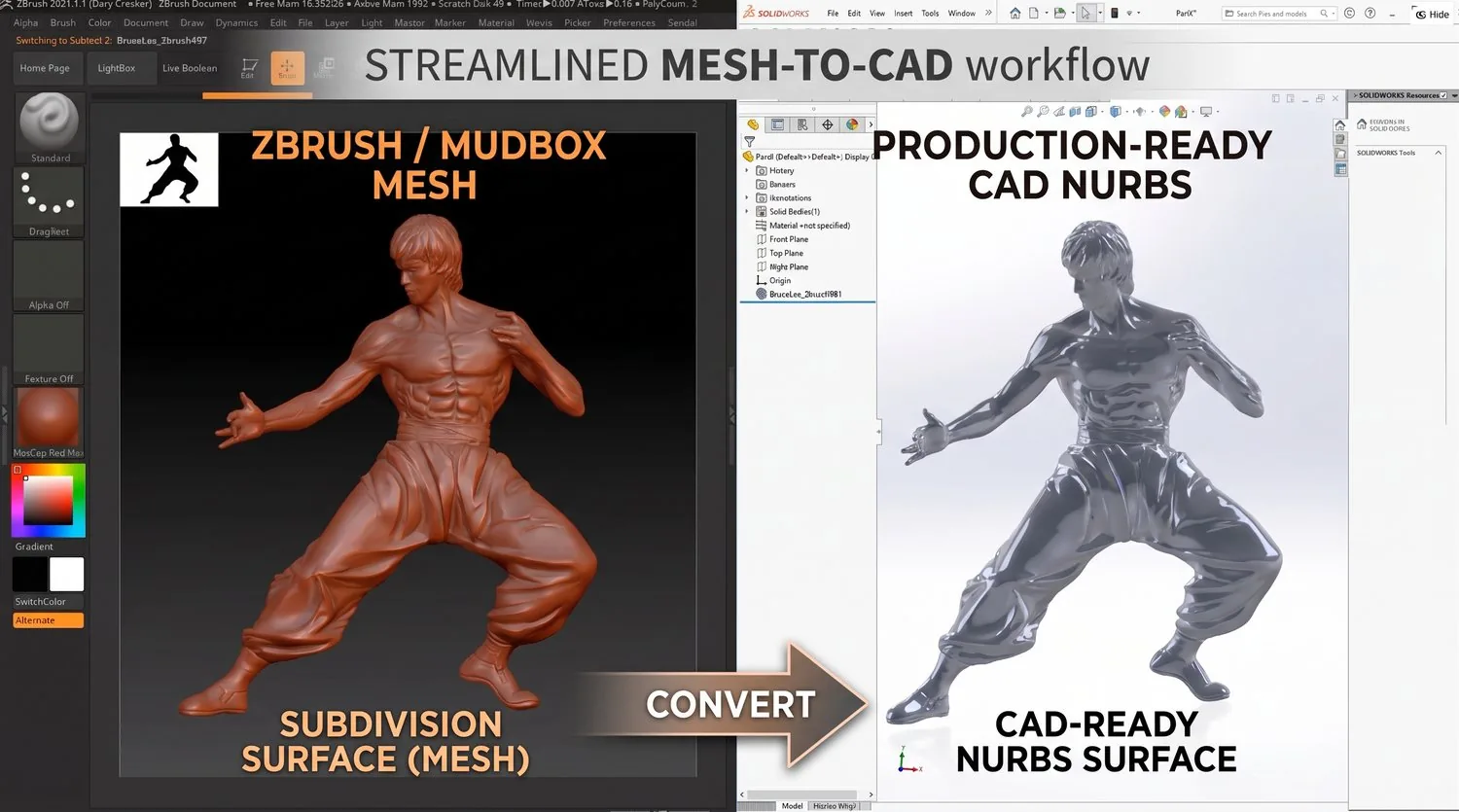
ZBrush / Sculpted Mesh to CAD
Convert ZBrush, Mudbox, and other sculpted mesh models into production-ready NURBS CAD surfaces.
Overview
Convert ZBrush, Mudbox, and other sculpted mesh models into production-ready NURBS CAD surfaces. Bridge the gap between artistic sculpting and engineering manufacturing.
Typical Workflow Steps
- 1Import sculpted mesh from ZBrush, Mudbox, etc.
- 2Analyze mesh topology and density
- 3Define surface patch layout
- 4Fit NURBS surfaces to sculpted form
- 5Export manufacturing-ready CAD model
Products for This Workflow
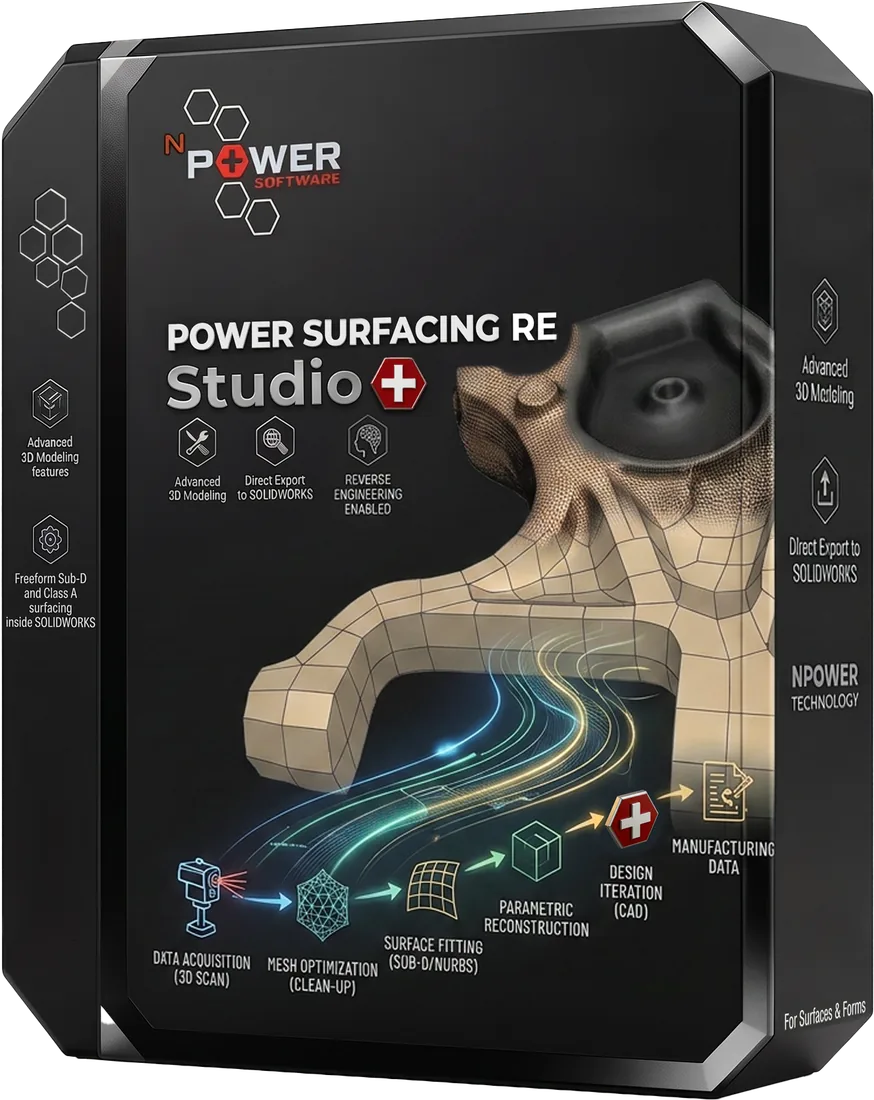
These Power Surfacing products support zbrush / sculpted mesh to cad workflows.
Frequently Asked Questions
Can ZBrush models be converted to CAD?
Yes. Sculpted meshes from ZBrush, Mudbox, and similar tools can be converted into production-ready NURBS surfaces and solids.
Do fine sculpted details survive the conversion?
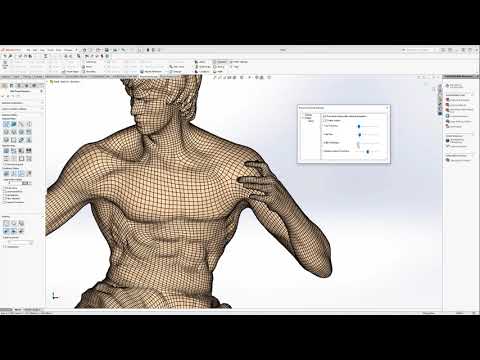
The Shrink Wrap tool captures fine surface detail without adding polygons, and Quad Wrap retopology follows curvature flow so creases and ridges are not washed out.
Which products handle sculpted meshes?
Power Surfacing RE Studio (standalone, with STEP/STL/OBJ export and native SOLIDWORKS feature transfer) and Power Surfacing RE for SOLIDWORKS (reconstructs inside SOLIDWORKS as native features).
Try ZBrush / Sculpted Mesh to CAD Today
Download a free trial and experience this workflow for yourself.