Shelling and Thickening
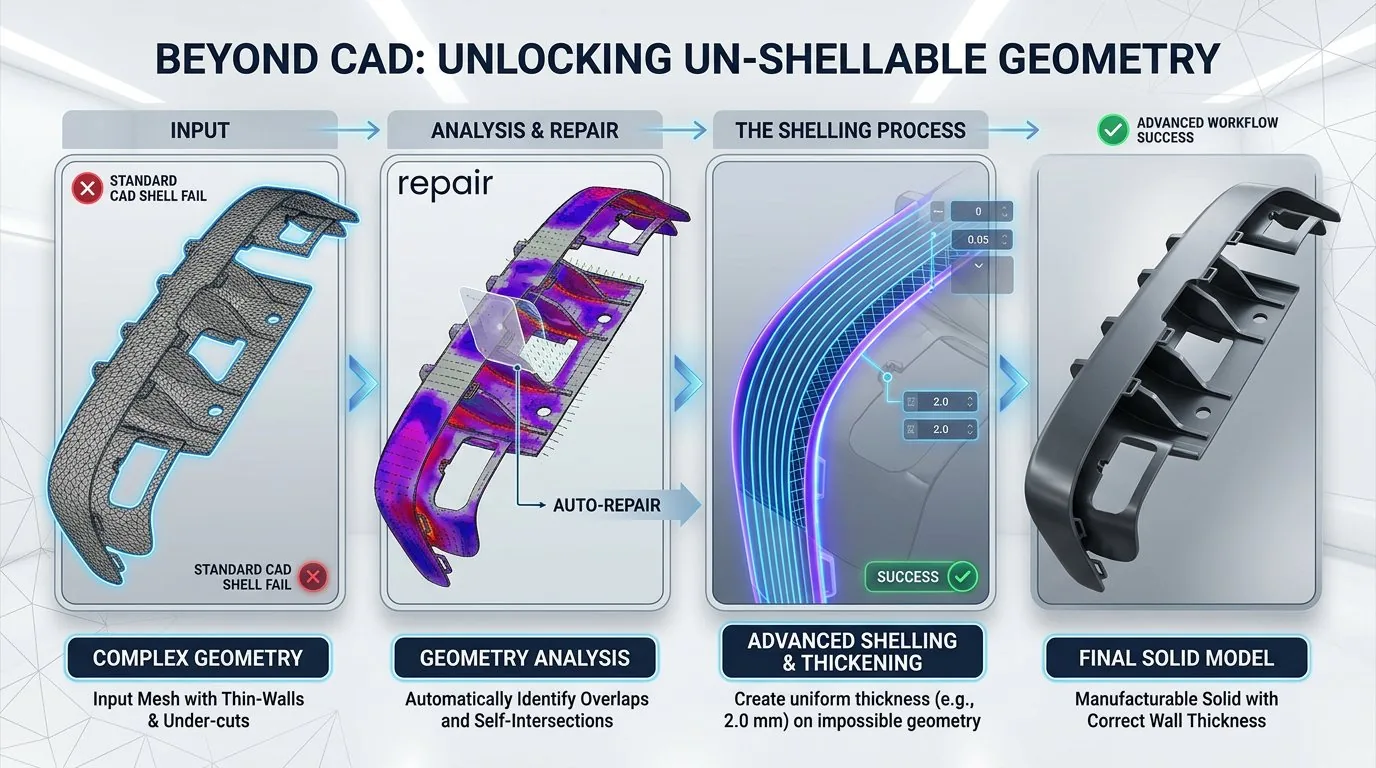
Shell and thicken complex geometry that standard CAD tools cannot handle.
Overview
Shell and thicken complex geometry that standard SOLIDWORKS Shell cannot handle. Power Shell uses advanced algorithms to succeed where native tools fail.
Typical Workflow Steps
- 1Select the body to shell or thicken
- 2Choose inner or outer shell direction
- 3Set wall thickness (uniform or variable)
- 4Preview the shelled result
- 5Apply as SOLIDWORKS feature
Products for This Workflow
These Power Surfacing products support shelling and thickening workflows.

Frequently Asked Questions
Why do native shell commands fail on complex parts?
Offsetting complex or organic geometry with small radii, large radii, or intersecting surfaces is a difficult problem for standard CAD offset algorithms. Power Shell uses technology built specifically for these complex offsetting cases.
What does Power Shell include?
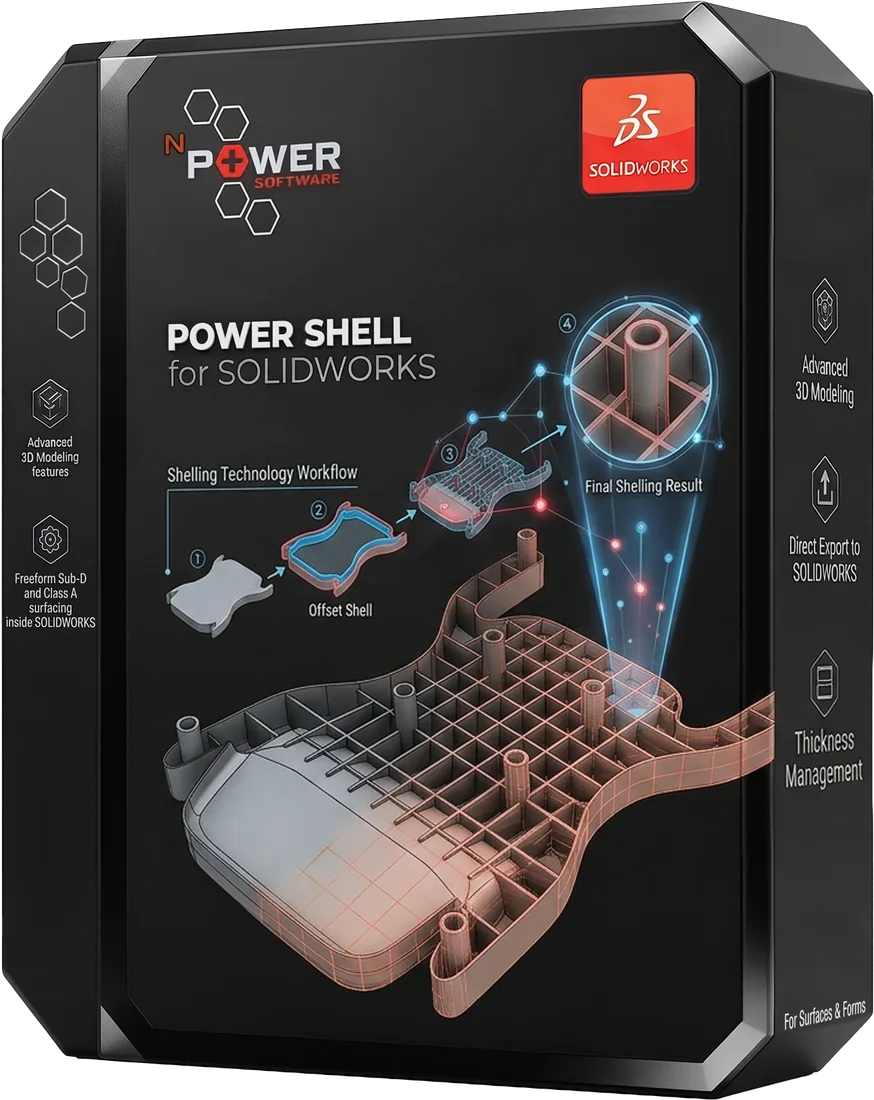
Shell, Hollow, and Thicken commands — Power Shell works on solids and Power Thicken works on surfaces — with live preview, undo/redo, and full SOLIDWORKS feature tree integration.
Is Power Shell included with other products?
Yes. Power Shell and Power Thicken are included free with Power Surfacing and Power Surfacing RE for SOLIDWORKS, and equivalent shelling tools are included in the Studio products.
Try Shelling and Thickening Today
Download a free trial and experience this workflow for yourself.