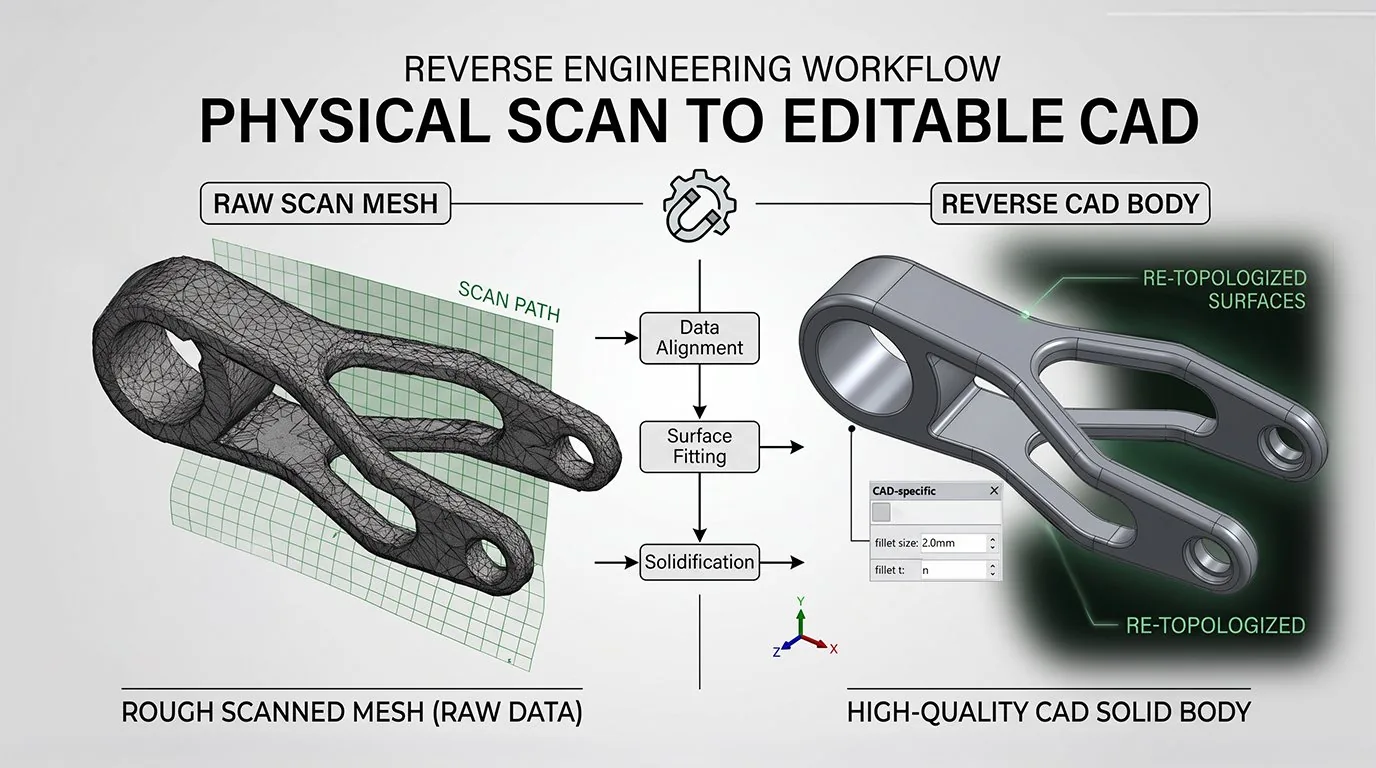
Reverse Engineer Mechanical and Replacement Parts
Convert physical objects and 3D scans into editable CAD geometry using advanced reverse engineering workflows.
Overview
Reverse engineering converts physical objects and 3D scan data into editable CAD geometry. Power Surfacing provides the fastest, most accurate scan-to-CAD and mesh-to-CAD workflows available.
Typical Workflow Steps
- 1Capture or import 3D scan data
- 2Clean and repair mesh geometry
- 3Fit NURBS surfaces to scan data
- 4Refine surface quality and continuity
- 5Export as NURBS or solid CAD model
Recreate Discontinued and Legacy Components
When original CAD data no longer exists, reverse engineering software for mechanical parts rebuilds it from the physical object. Scan the part, import the STL or OBJ mesh, and reconstruct an editable CAD solid that can be modified, re-toleranced, and manufactured again.
Rebuild Editable CAD From Scanned Parts
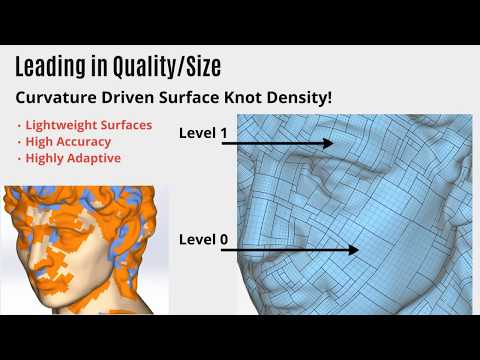
Power Surfacing doesn't just wrap the scan in polygons — automatic Quad Wrap retopology and Sub-D to NURBS conversion with G2 continuity produce real surfaces and solids. Analytic shapes such as planes, cylinders, spheres, and cones are automatically identified and parameterized, recovering true mechanical geometry.
Account for Wear and Damaged Geometry
Worn and damaged parts scan imperfectly. Mesh repair, smoothing, and hole-filling tools clean up tears, holes, and scan anomalies before surface fitting, so the reconstructed model reflects the intended design rather than the damage.
Reconstruct Design Intent
Because Power Surfacing RE Studio includes a full dimension-driven, feature-based modeling toolset, you can rebuild the part the way it was originally designed — sketches, features, and construction history — instead of settling for a static surface shell.
Prepare Models for Manufacturing
A distance display verifies how closely the reconstructed geometry matches the reference scan, and finished models export to STEP, STL, and OBJ — or transfer as native SOLIDWORKS features.
Products for This Workflow
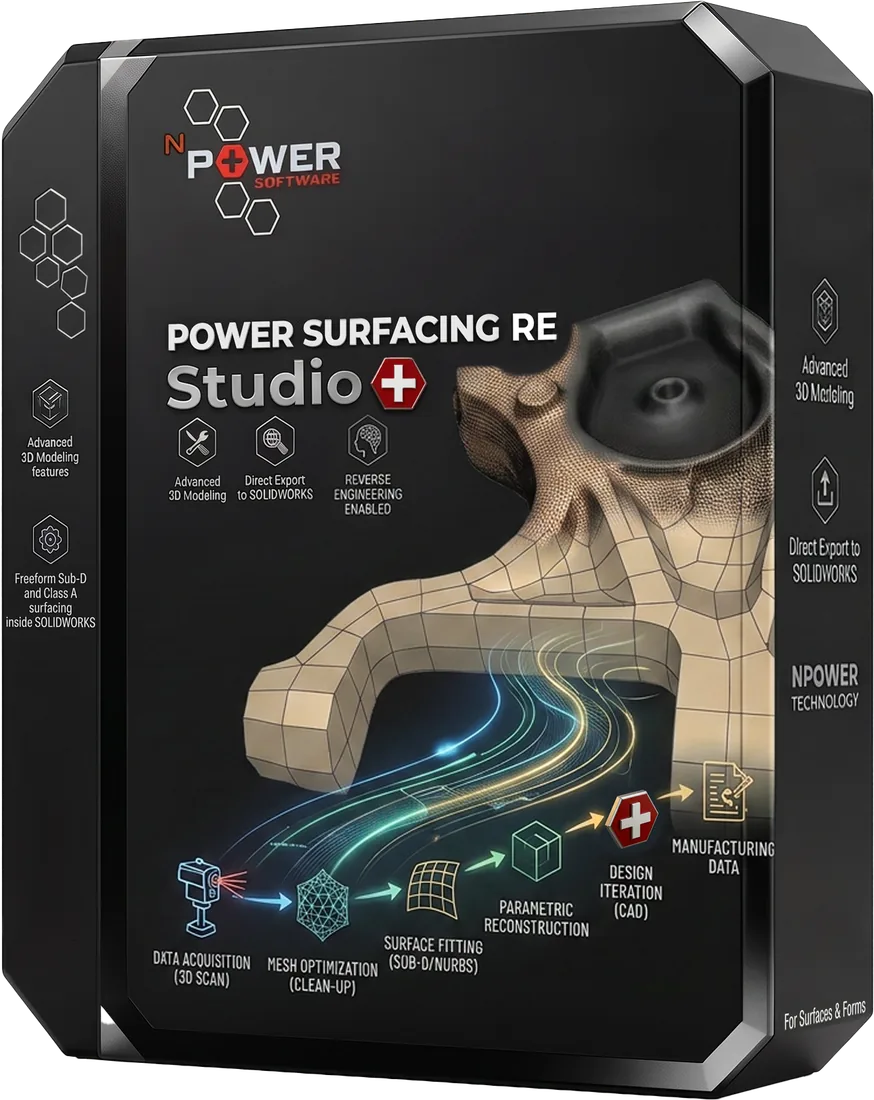
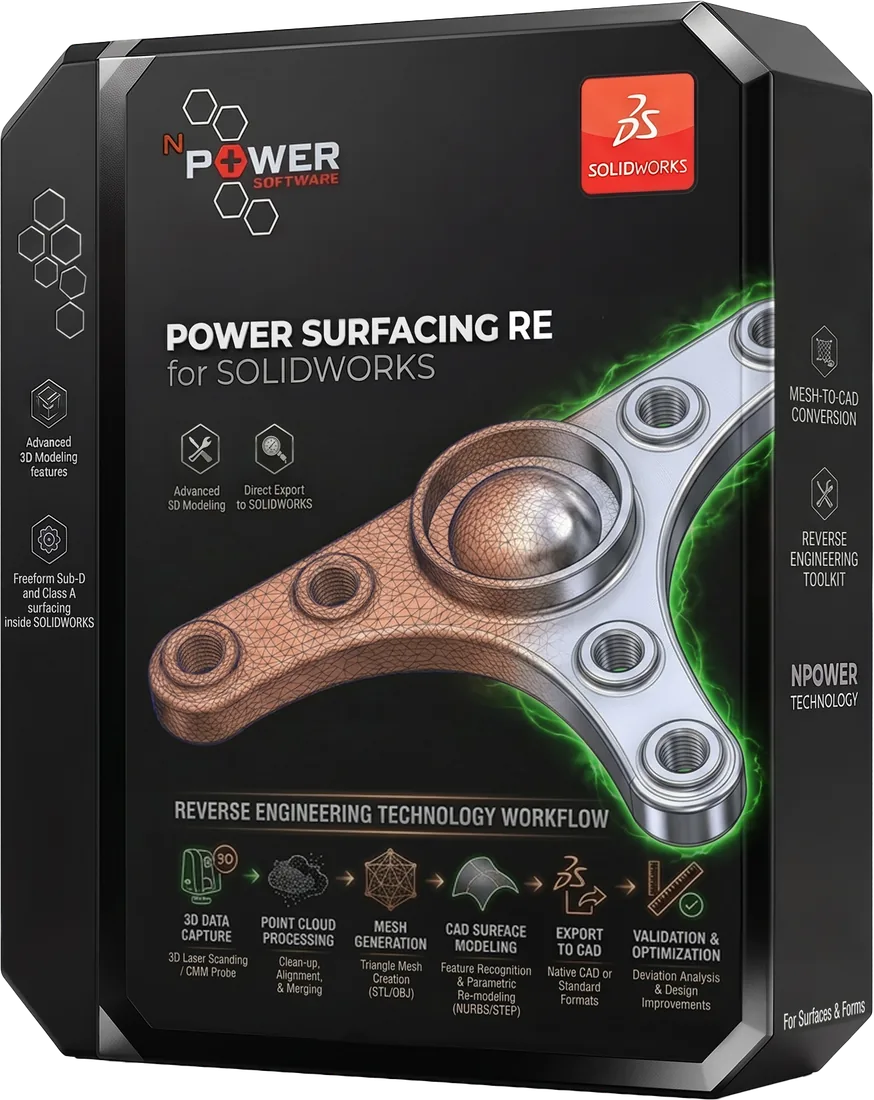
These Power Surfacing products support reverse engineering mechanical parts workflows.
Frequently Asked Questions
What software converts a 3D scan into editable CAD?
Power Surfacing RE Studio (standalone) and Power Surfacing RE for SOLIDWORKS (add-in) convert 3D scan meshes into editable NURBS surfaces and solid CAD models, with export to STEP, STL, and OBJ or transfer as native SOLIDWORKS features.
Can worn or damaged parts be reverse engineered?
Yes. Mesh repair, smoothing, and hole-filling tools clean up scan defects before surface fitting, and automatic recognition of analytic shapes such as planes, cylinders, spheres, and cones helps recover the original design intent.
Can the reconstructed CAD model be compared with the original scan?
Yes. A distance display measures the approximation accuracy between the reconstructed geometry and the reference scan mesh.
What file formats can be imported and exported?
STL and Wavefront OBJ meshes (including OBJ point clouds) can be imported. Power Surfacing RE Studio exports STEP, STL, and OBJ, and can transfer geometry as native SOLIDWORKS features. Power Surfacing RE for SOLIDWORKS reconstructs inside SOLIDWORKS as native features.
Try Reverse Engineering Mechanical Parts Today
Download a free trial and experience this workflow for yourself.