Products
Six specialized products for CAD visualization, freeform modeling, reverse engineering, and advanced surfacing — standalone or inside SOLIDWORKS.
Standalone Applications
CAD visualization, design, and reverse engineering — no third-party CAD license required.
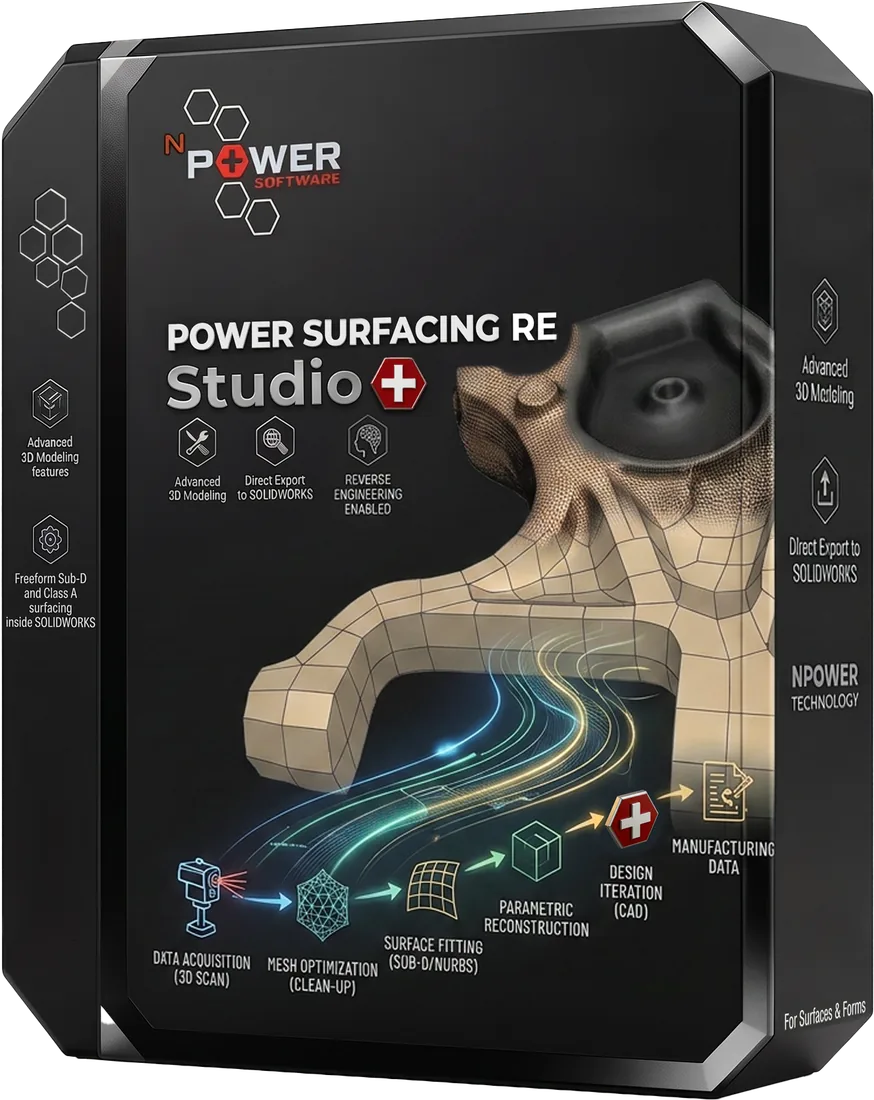
Power Surfacing RE Studio
Standalone reverse-engineering software for scanned and sculpted meshes
- Reverse engineering scanned meshes into accurate, editable NURBS geometry
- Converting ZBrush and other sculpted meshes into CAD-ready surfaces
- Rebuilding human forms, animal shapes, and other organic geometry
Inputs
STL, OBJ meshes, Sculpted meshes
Outputs
STEP, STL, Wavefront OBJ, Native SOLIDWORKS features
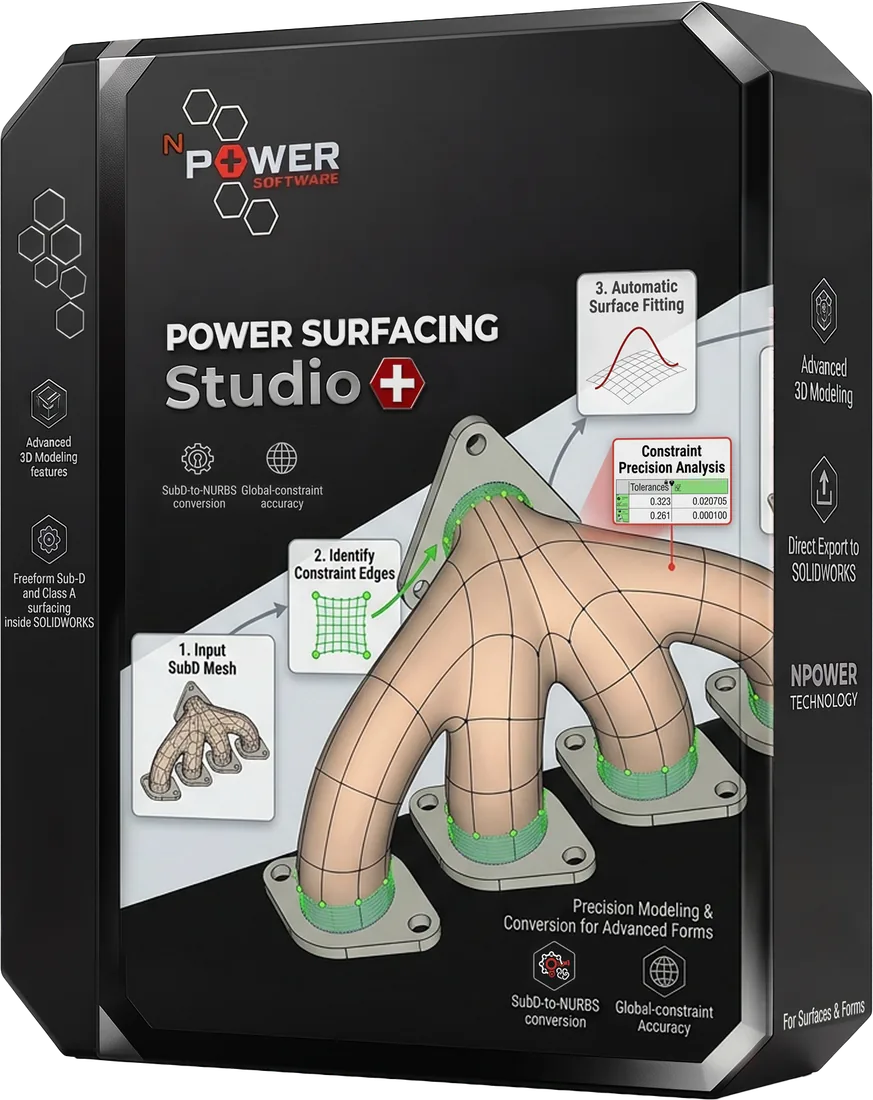
Power Surfacing Studio
Standalone freeform Sub-D and Class A surfacing design software
- Designing complex freeform, organic industrial design shapes
- Modeling consumer products like bottles, handles, and enclosures
- Creating jewelry, cutlery, and character designs with Sub-D precision
Inputs
Sketches, OBJ / FBX meshes, Primitive shapes
Outputs
Class A NURBS surfaces, Solid bodies, STEP
Power Surfacing Viz
CAD import, IntegrityWare tessellation, bundled KeyShot, and mesh export for Blender, Modo, 3ds Max, and Maya.
- Preparing engineering CAD models for product visualization and rendering
- Converting CAD data to meshes with IntegrityWare tessellation — low-poly for gaming and VR, or high-density for visualization and 3D printing, including large assemblies and large complex parts
- Assigning materials and cleaning color on assemblies before rendering
Inputs
STEP, IGES, SAT, Rhino, OBJ, STL, 3MF, SOLIDWORKS files
Outputs
KeyShot, OBJ, STL, glTF
SOLIDWORKS Add-ins
Extend SOLIDWORKS with freeform surfacing, reverse engineering, and advanced shelling.
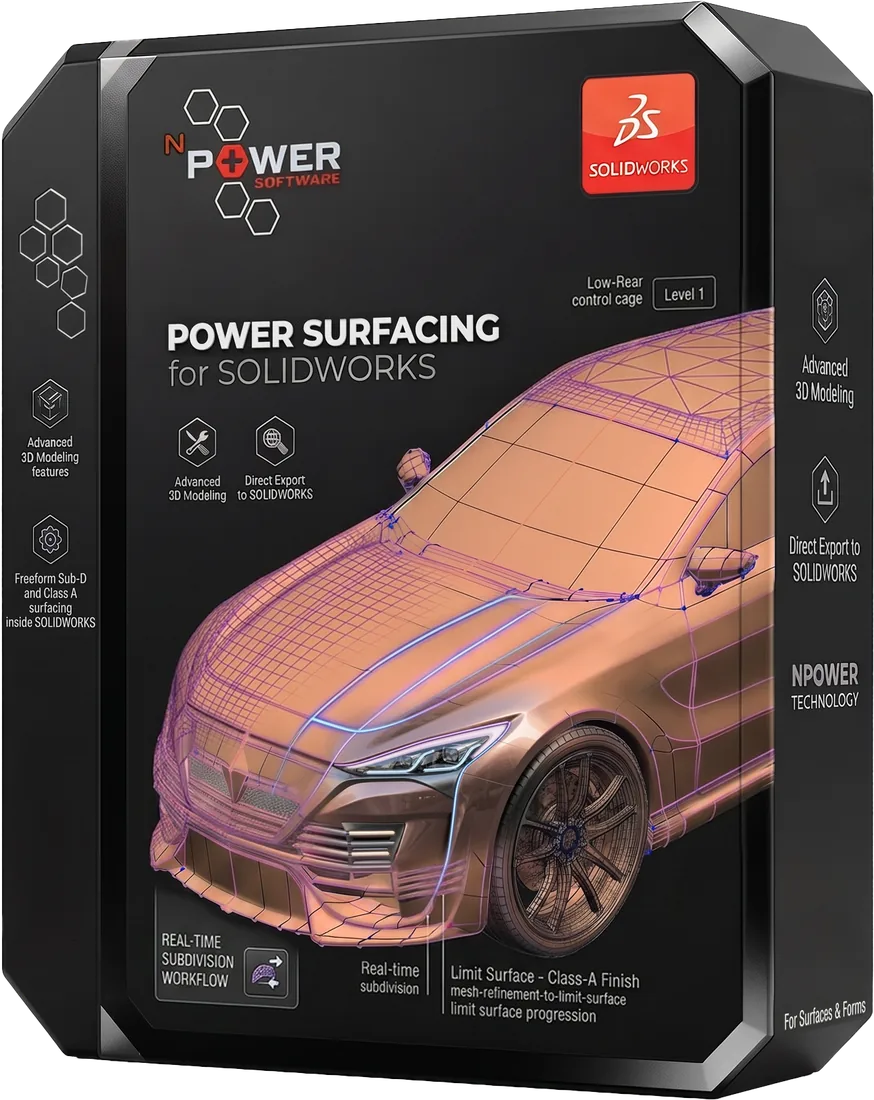
Power Surfacing for SOLIDWORKS
Freeform Sub-D and Class A surfacing inside SOLIDWORKS
- Adding organic, freeform surfaces to mechanical assemblies
- Consumer product and industrial design inside SOLIDWORKS
- Automotive interior, exterior, and sporting goods surfacing
Inputs
SOLIDWORKS sketches, OBJ / FBX meshes
Outputs
SOLIDWORKS features with solid and/or surface bodies
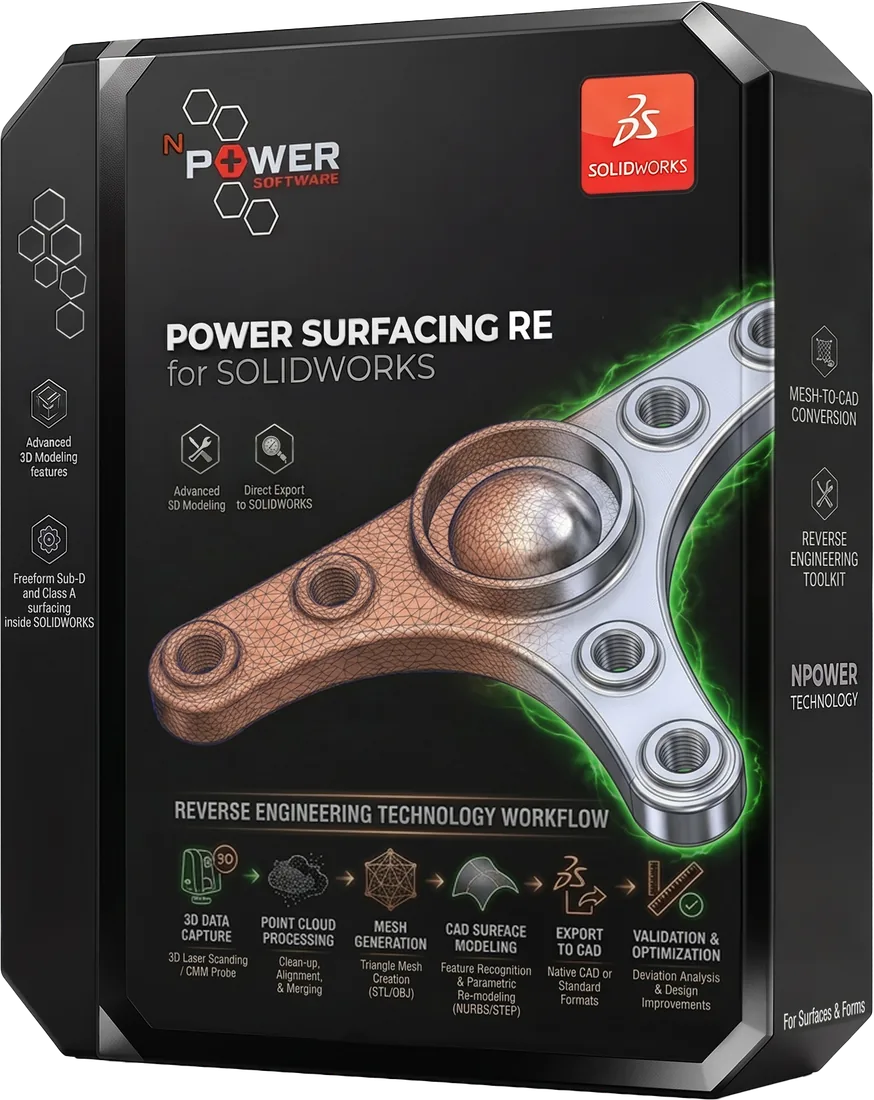
Power Surfacing RE for SOLIDWORKS
Reverse engineer scanned and polygonal meshes inside SOLIDWORKS
- Reverse engineering 3D scanner data directly in SOLIDWORKS
- Converting ZBrush sculpted meshes into SOLIDWORKS geometry
- Rebuilding parts from FEA and 3D printer mesh files
Inputs
3D scans, STL / OBJ meshes, Topology Study meshes
Outputs
SOLIDWORKS solid & surface bodies
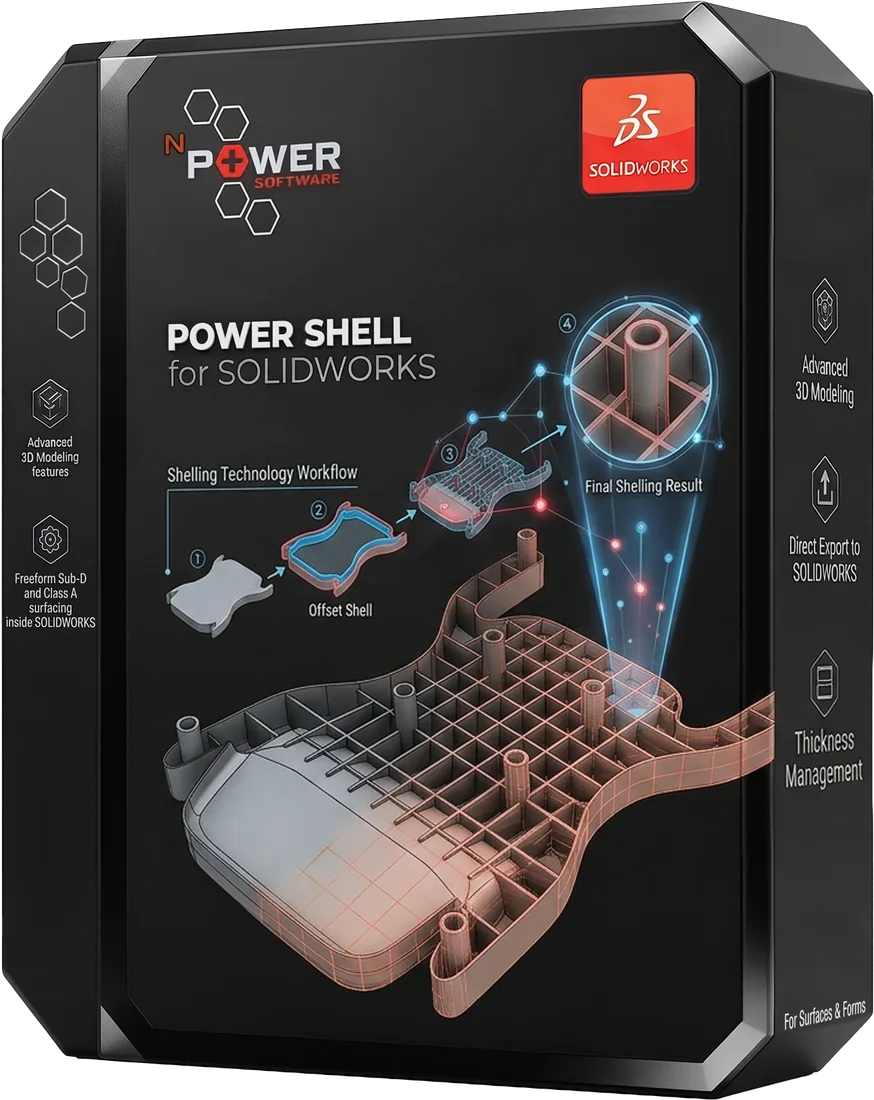
Power Shell for SOLIDWORKS
When Shell fails, Power Shell prevails
- Shelling organic, complex, or self-intersecting geometry
- Thickening surface bodies that fail with native Thicken
- Preparing consumer products for injection molding
Inputs
SOLIDWORKS solids & surfaces
Outputs
Shelled / thickened SOLIDWORKS bodies
Compare Products
Compare features, platforms, and capabilities side by side.
| Feature | RE Studio Standalone | Studio Standalone | Viz Standalone | Power Surfacing SOLIDWORKS Add-in | Power Surfacing RE SOLIDWORKS Add-in | Power Shell SOLIDWORKS Add-in |
|---|---|---|---|---|---|---|
| CAD Import & Translation | ||||||
| IntegrityWare Tessellation (multi-threaded CAD to mesh) | ||||||
| Material & Color Cleanup | ||||||
| Bundled KeyShot (no extra license) | ||||||
| Mesh Export for Blender / Modo / 3ds Max / Maya | ||||||
| Dimension-Driven Sketching | ||||||
| Feature-Based Modeling | ||||||
| Surfacing & Solid Modeling | ||||||
| Freeform Sub-D Design | ||||||
| NURBS Output | ||||||
| Scan-to-CAD | ||||||
| Mesh-to-CAD | ||||||
| STL/OBJ Import | ||||||
| Point Cloud Processing | ||||||
| Mesh Cleanup & Repair | ||||||
| Class A Surfacing | ||||||
| Advanced Shelling | ||||||
| Variable Wall Thickness | ||||||
| SOLIDWORKS Integration | ||||||
| Standalone Application |
Start Your Free Trial
Download a free trial of any Power Surfacing product and see the difference for yourself.